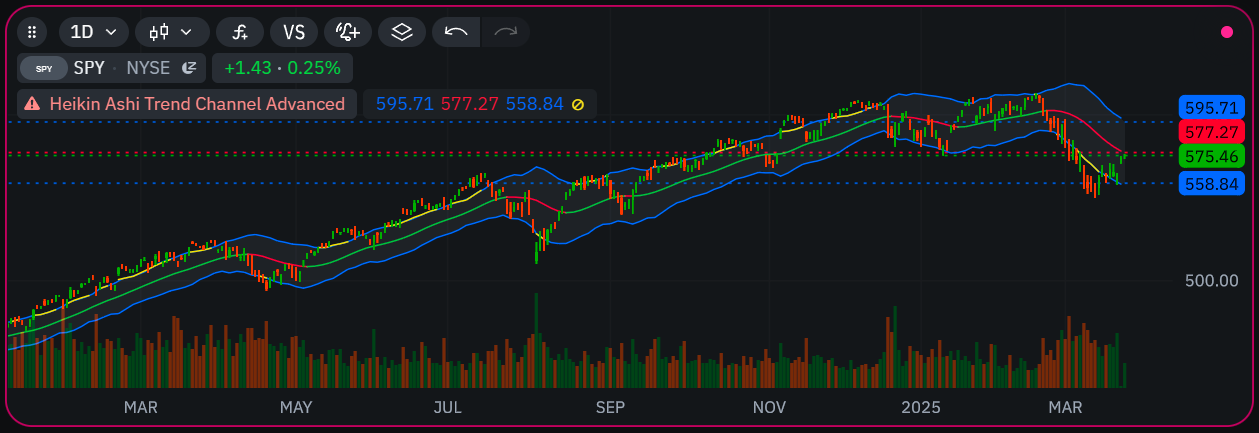
Unofficial Indie language community page
Welcome to the unofficial community hub for the Indie Language (Indie Script): the Python-style scripting language of the TakeProfit platform for custom indicators, trading strategies and on-chart drawings. This page is a clear introduction for Pine Script™ users, Python developers and algorithmic traders who want to build with Indie or migrate to it.
Lines, histograms, fills, candles, bar colors, backgrounds and markers, with inputs in the indicator settings panel.
Place orders, manage positions and take-profit / stop-loss levels from code, then test the strategy on history.
Summary tables, labels, lines, rectangles, circles, triangles and channels drawn straight from an indicator.
Bring a CSV over HTTPS or a live WebSocket / SSE feed onto the chart as a series next to price.
Pull another symbol or timeframe into the calculation with @sec_context and calc_on.
Cloud alerts on any plot of your script, and an MCP server that lets an AI assistant write, validate and run Indie code.
What is TakeProfit?
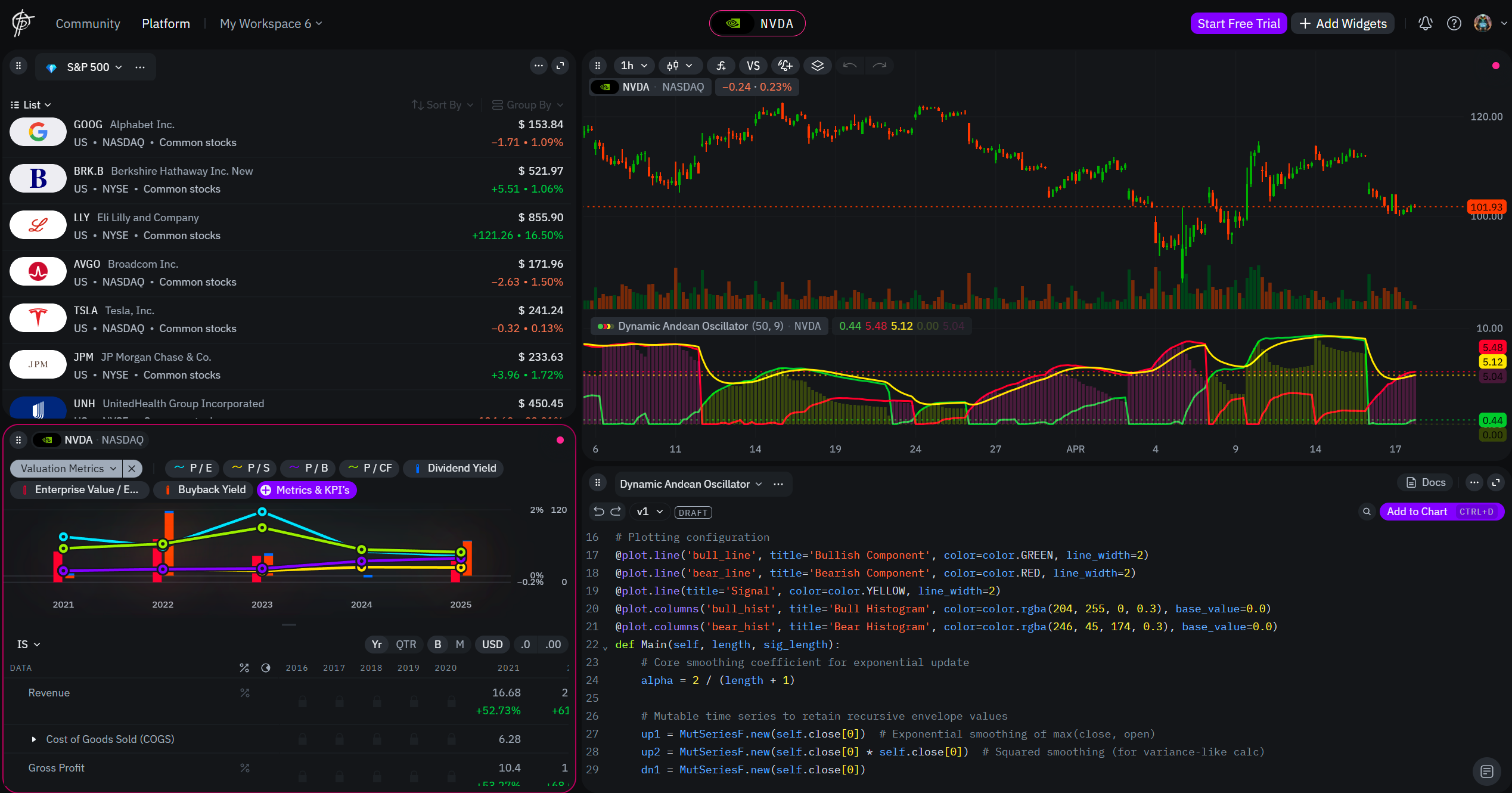
TakeProfit is a browser-based charting and trading platform for retail traders and independent analysts, built around workspaces of linked widgets. What it offers today:
- Workspaces of linked widgets. Charts, watchlists, order entry, the stock screener and the community feed, started from a template or a blank canvas.
- Charts. Candles, line and bars, plus TPO market profile and Volume Footprint chart types, a Liquidity Heatmap overlay and a full set of drawing tools.
- Indicators. Built-in and Marketplace indicators, your own scripts, and an integrated code editor for Indie.
- Cloud alerts. Alerts on price and on any indicator, including your own, with notifications to Telegram and other channels.
- Trading from the chart. Connect Bybit for crypto spot and perpetuals, or Lime for US stocks, and trade from the workspace you chart in.
- AI assistant. Chart analysis, Indie scripts and alerts from a chat, also available to outside AI tools through the MCP server.
- Stock screener. Fundamentals and price data for about 5,000 US stocks, as a table, a list or a heatmap.
- Community. Posts with live charts, a feed, shared screeners and a mobile platform for alerts on the go.
Platform guides live in the official TakeProfit docs.
What is Indie?
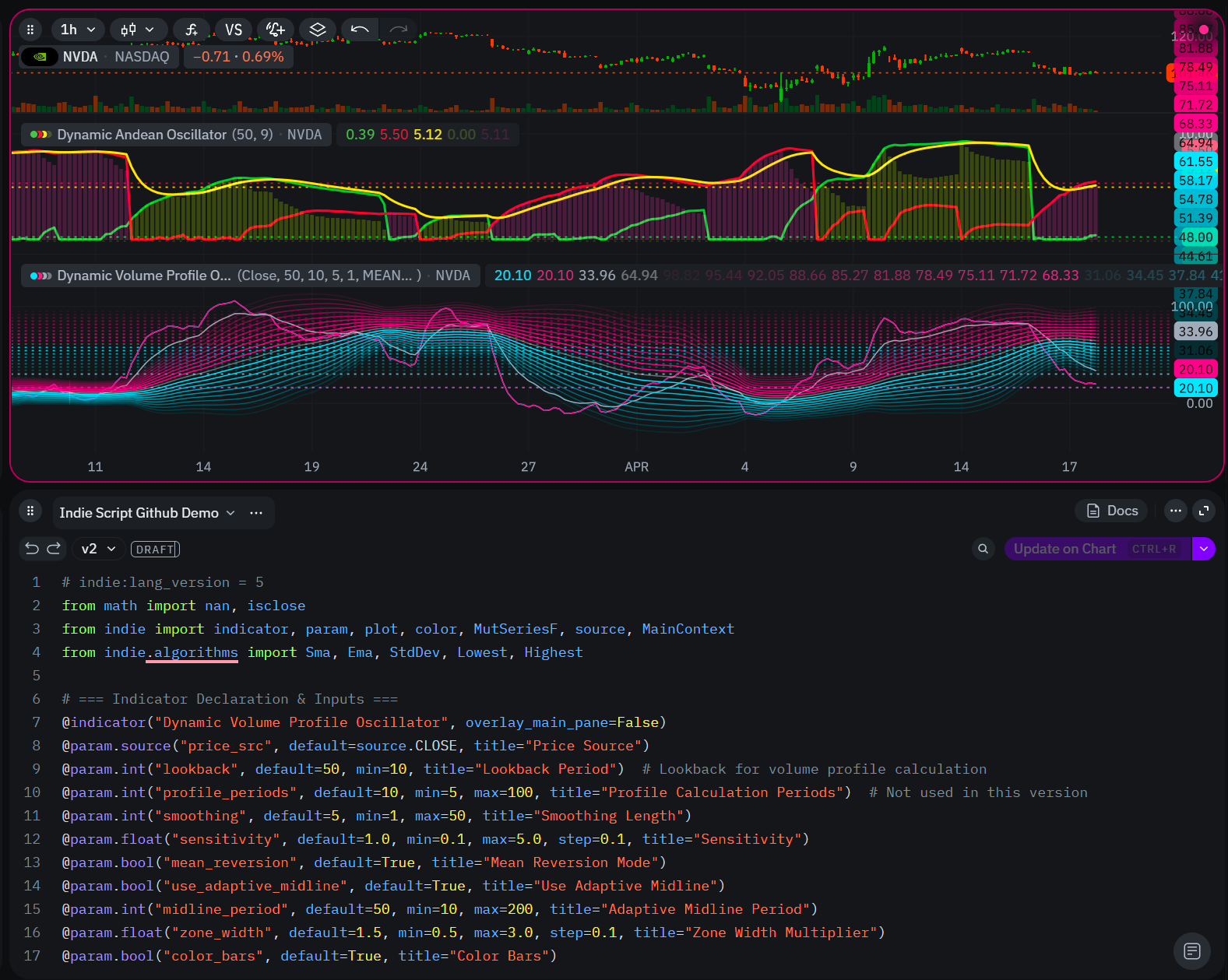
Indie is a technical-analysis programming language and runtime designed by TakeProfit. Every built-in indicator on the platform is written in Indie, and you can fork any of them. It is:
- Pythonic. A subset of Python (
def,class,if,for,import) plus decorators such as@indicator,@paramand@plot. - Server-side. Your code runs sandboxed on TakeProfit servers, so a heavy indicator over a long history never freezes the browser tab, and alerts keep watching with every tab closed.
- Indicator- and strategy-first. Plot, mark, draw, place orders and backtest from one language.
- Typed series. A single value (
float) and a series with history (SeriesF,MutSeriesF) are different types, which keeps bar-by-bar logic explicit. - Moving fast. The language is versioned: this site is checked against Indie v5.19. See the changelog for what changed.
Key features
| Feature | What it gives you |
|---|---|
| Python-style syntax | def, class, if/else, for, while, dict, math.isnan() |
| Built-in algorithms | Sma, Ema, Rsi, Macd, Bb, Atr, Adx, FixNan and dozens more in indie.algorithms |
| Plot decorators | @plot.line, @plot.histogram, @plot.fill, @plot.candles, @plot.bar_color, @plot.background, @plot.marker |
| Levels and bands | @level and @band for fixed reference lines and zones |
| Inputs | @param.int, @param.float, @param.bool, @param.color, @param.source and more, shown in the Settings panel |
| Drawings | LabelAbs, LabelRel, lines, rectangles, circles, triangles, channels and Table from indie.drawings |
| Other instruments and timeframes | @sec_context with self.calc_on(...), for higher and lower timeframes (lower since v5.14) |
| Mutable series state | MutSeriesF.new(init=...), MutSeriesI, and Var[T] for a single carried value |
| Strategies | @strategy with self.trading for orders and positions, and a backtest on history |
| External data | sources.Csv and sources.DataFeed with @data_context and request_series |
| Math-safe | math.nan, FixNan, NanToZero instead of silent errors |
Indie vs. Pine Script: what is different?
If you are coming from TradingView’s Pine Script™, Indie feels familiar in concept and different in execution. The full mapping is in the Pine → Indie cheat sheet; the headline differences:
| Concept | Pine Script™ | Indie |
|---|---|---|
| Language type | Purpose-built scripting language | Python subset with decorators |
| Persistent state | var x = 0.0 |
x = MutSeriesF.new(init=0.0) or Var[float].new(0.0) |
| Other timeframe or symbol | request.security(...) |
@sec_context function + self.calc_on(...) in __init__ |
| Plotting | plot(), plotshape() |
Decorators declare the plot, Main returns the values |
| Missing values | na, nz() |
math.nan, FixNan, NanToZero |
| Labels | label.new(...) |
LabelAbs, LabelRel, or plot.Marker on a bar |
| Tables | table.new(...) |
Table, TableRow, TableCell (since v5.17) |
| Strategies | strategy.entry(...) |
@strategy and self.trading orders (since v5.10) |
| Alerts | alertcondition(...) |
Plot a signal, then create a cloud alert on that plot in the platform |
[!TIP]
MutSeriesF.new(0.0)is not Pine’svar x = 0.0: the first positional argument is written on every bar. For “initialise once, then carry forward”, passinit=0.0.
Who should use Indie
Reusable functions, classes and typed series instead of one long script.
Orders, TP/SL and multi-timeframe context in the same language as the indicators, with a built-in backtest.
A way into trading scripting without learning a new syntax from zero.
Your own CSV or live feed next to price, and explicit NaN handling throughout.
Tips for learning Indie
- Always distinguish single values (
float) from series (SeriesF,MutSeriesF). - Declare plots with
@plot.*decorators, and return one value per decorator fromMain, in decorator order. - Create algorithms with
Name.new(...)insideMain,calc, an@algorithmor an@sec_contextfunction, not in__init__. - Request other timeframes or symbols with
@sec_context, and callcalc_onin__init__. - Colors are
Colorobjects, not strings, and opacity runs from 0 to 1:color.RED(0.2). - Handle gaps with
math.isnan,FixNanorNanToZero. - Compile early: the IDE and the MCP
ValidateScripttool both run your code on the real runtime.
Indie Script language resources
Learn on this site
Indicators
Community and articles
Contributing to this guide
This site keeps a practical, hands-on Indie reference. Pull requests, real indicator ports and Pine-to-Indie conversions are welcome: add a folder under indicators/ with a README.md and the source files, and the catalog picks it up (see CONTRIBUTING.md). If you spot an inconsistency or an outdated example, open an issue.
License
This guide is an unofficial community project, licensed under the MIT License. Content may be freely reused, forked or modified.
Happy scripting with Indie Script!